The product library for interior designers
Saw it once.
Found it again.
Right-click any product online and Vade keeps it: price, supplier, specifications and every angle. Rooms and references go in a separate pocket for inspiration.
Free, with unlimited saves and boards.
Lighting
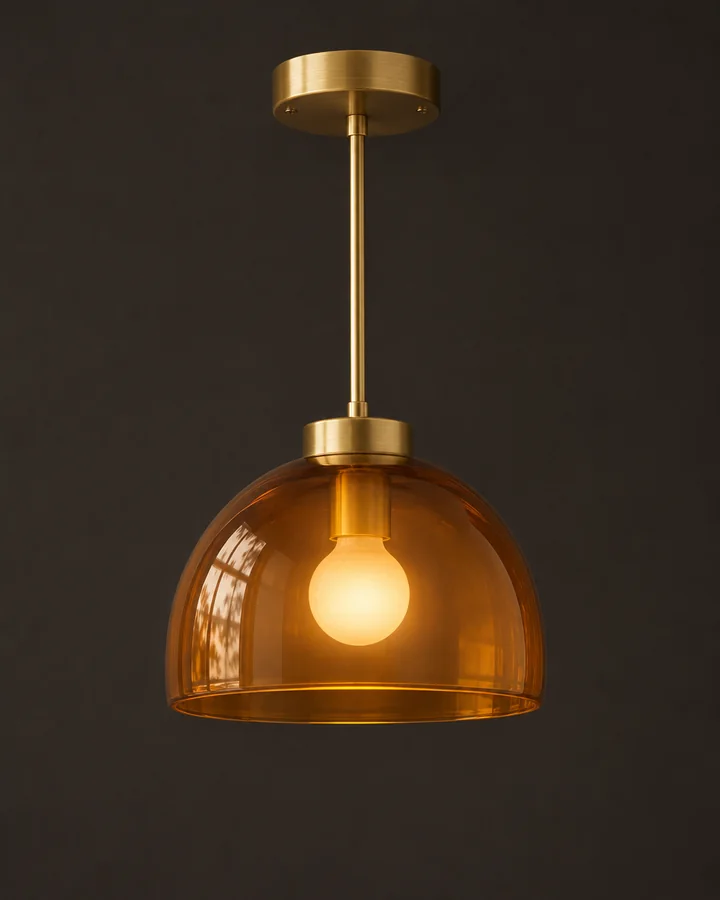
Halden Glass
Amber dome pendant
£340
Tables
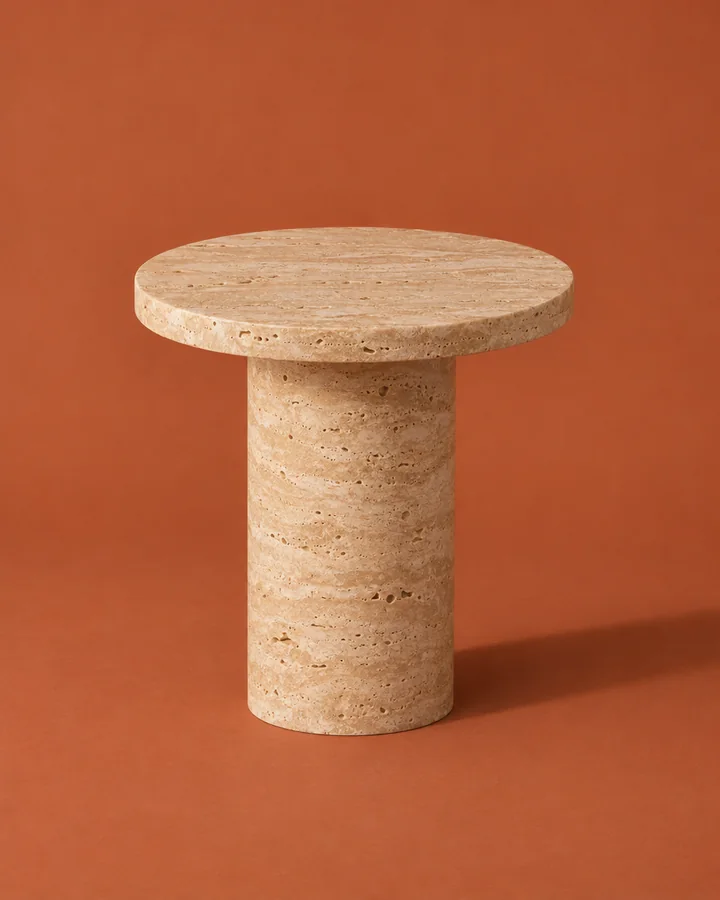
Cava Stone
Travertine pedestal table
£680
Seating
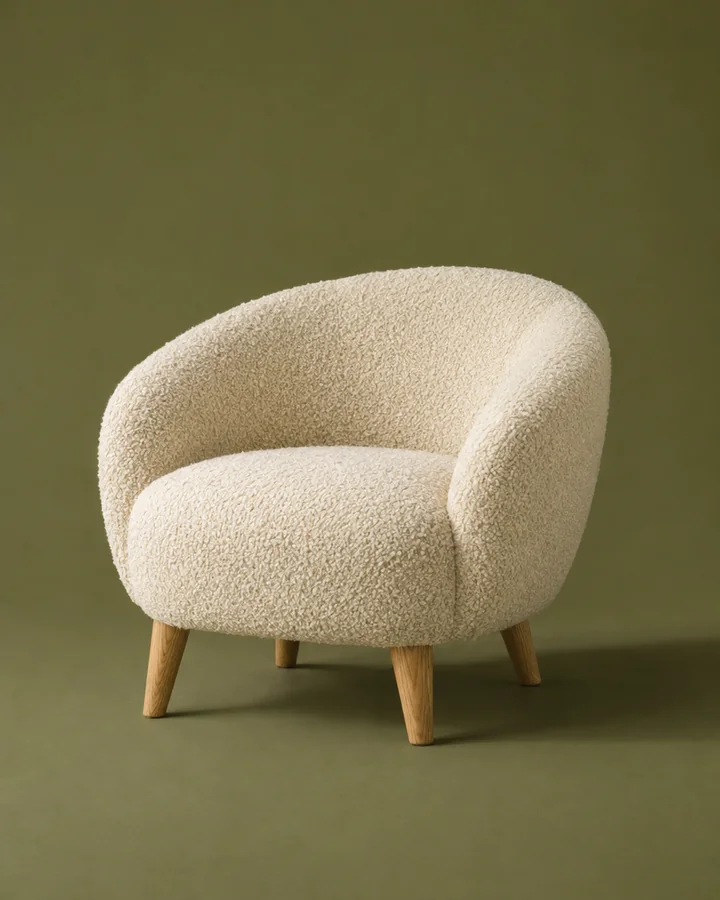
Marlow & Finch
Bouclé lounge chair
£1,240
Seating
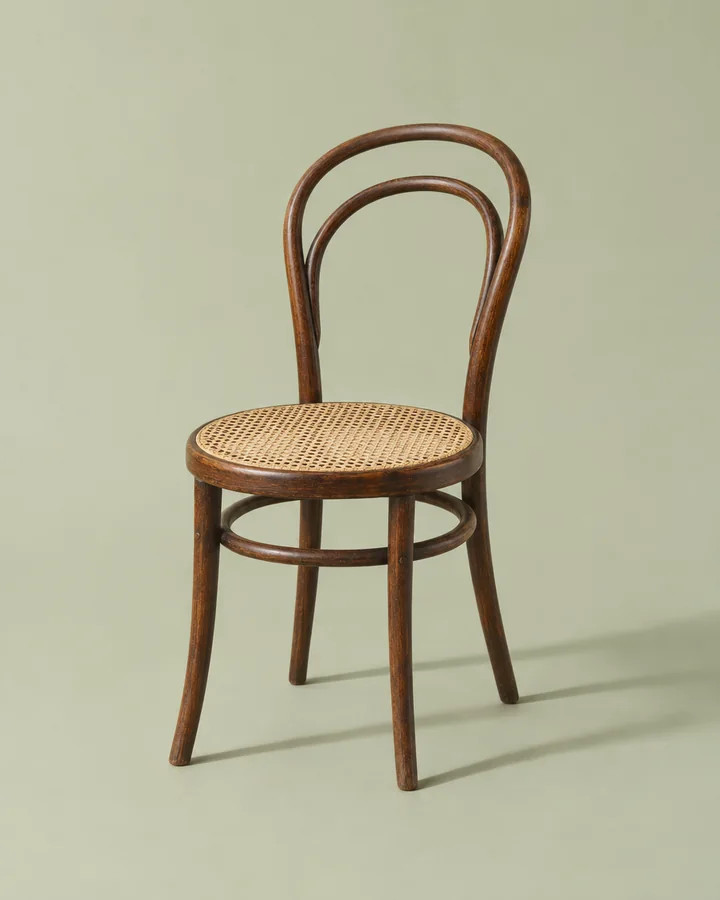
Pell Joinery
Bentwood café chair
£285
Lighting
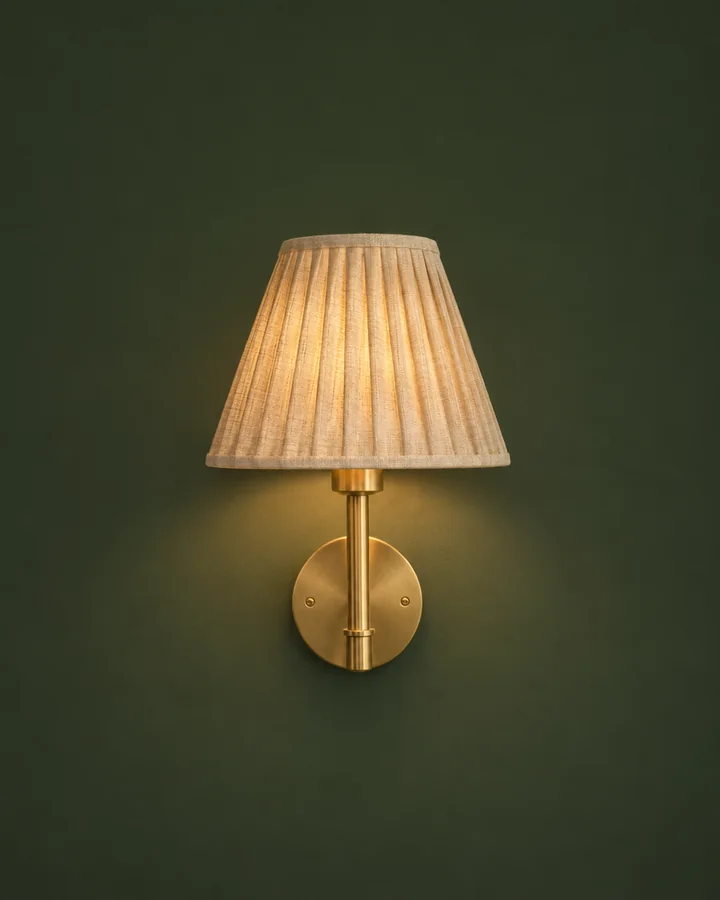
Lark & Lamp
Pleated linen sconce
£195
Lighting
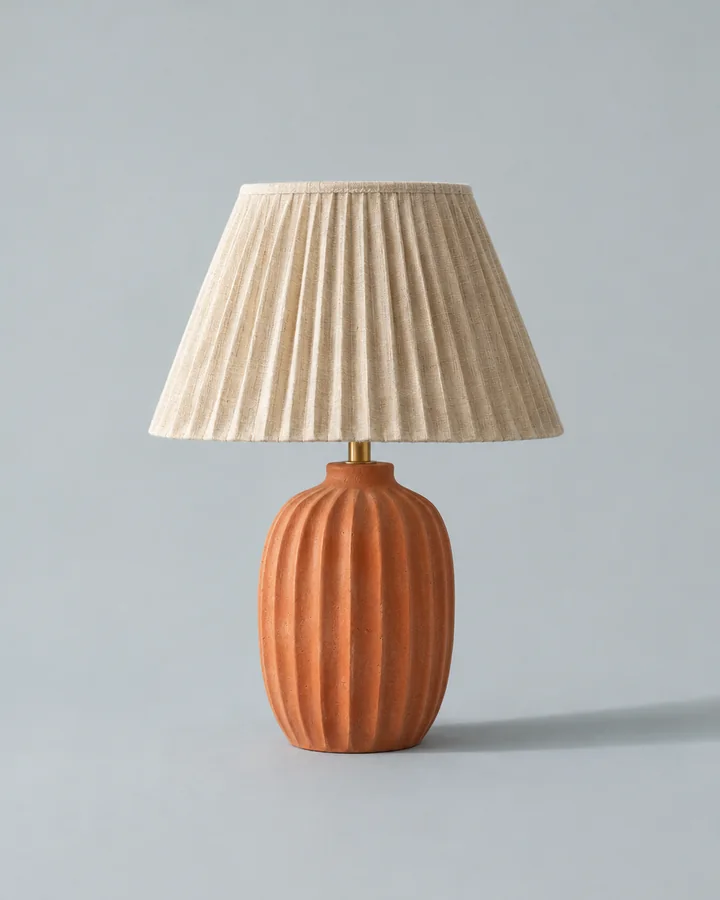
Pottery Lane
Fluted terracotta lamp
£260
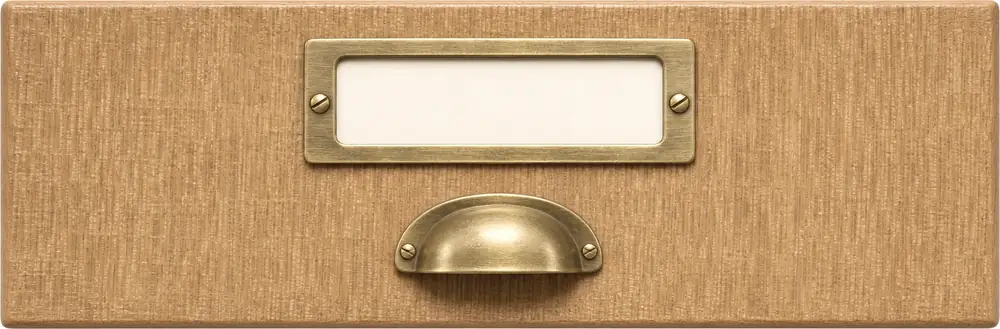
Example library · products and suppliers invented for this page
Right-click.
It’s kept.
Choose Save item for something you might specify, or Save inspiration for a room, a mood or a material. Vade reads the page for you: price, supplier, specifications and every view.
Your notes and corrections always win over what it reads.
Every angle,
at full size.
Vade finds the product’s own photographs, keeps the largest version of each and labels the view. With three angles or more, the item is ready for 3D.
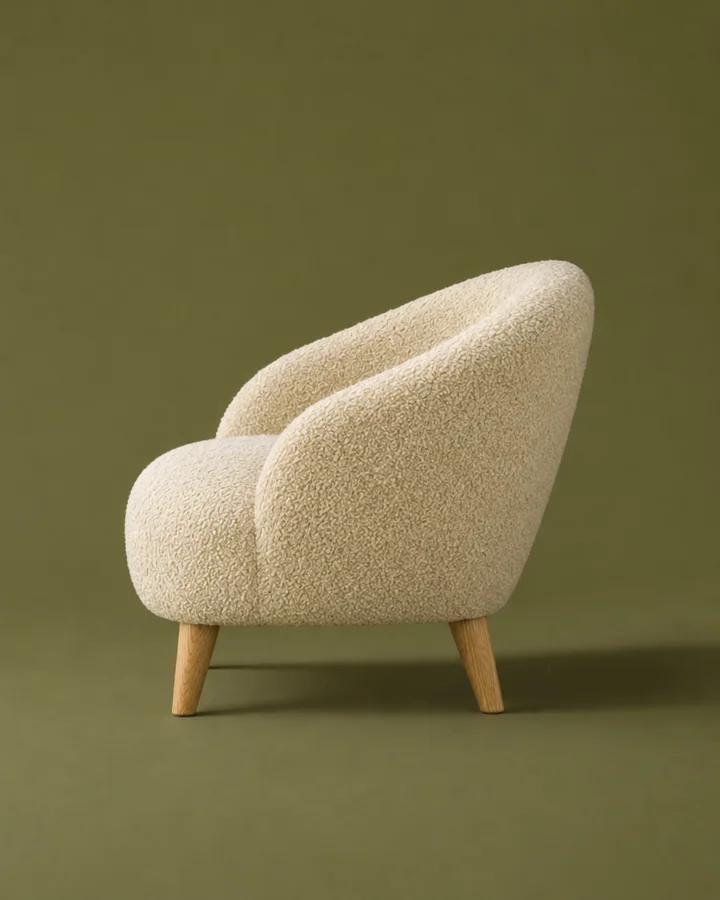
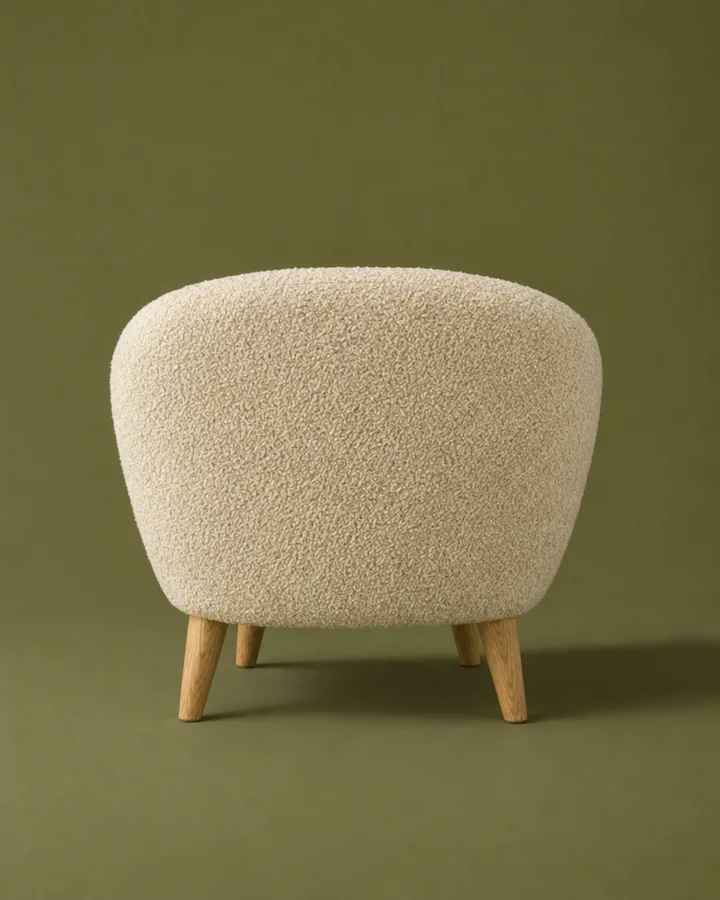
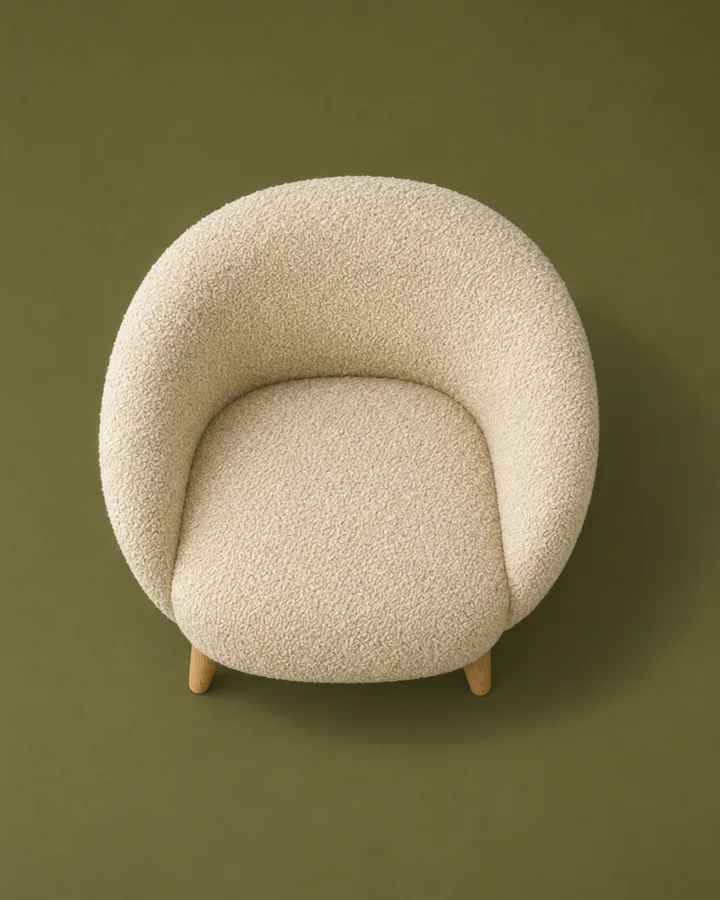
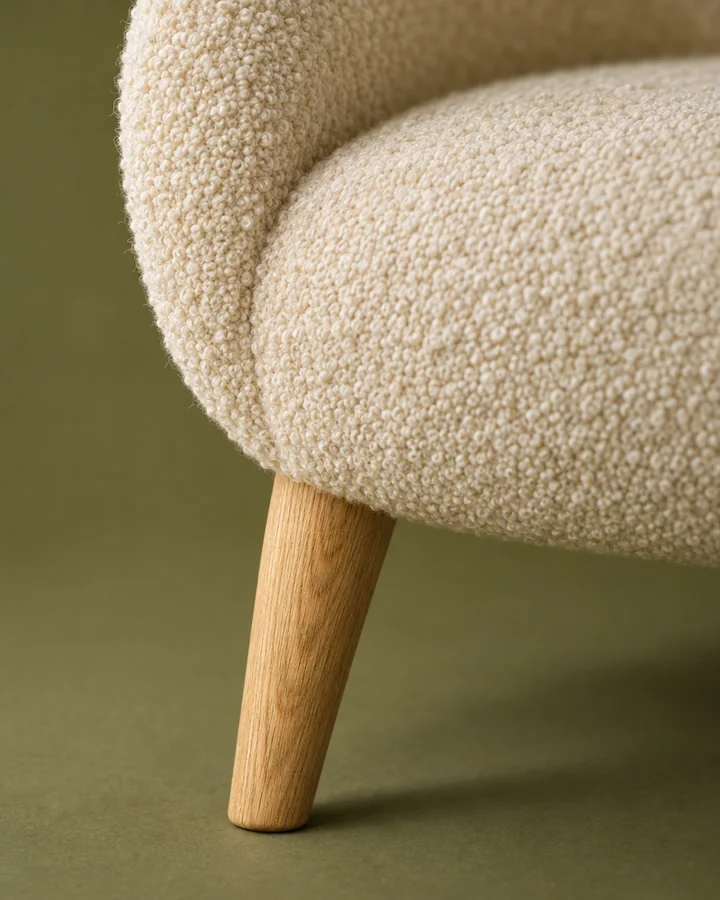
- Price
- £1,240
- Supplier
- Marlow & Finch
- Size
- W 86 · D 80 · H 72 cm
- Material
- Bouclé, solid oak
- Views
- 5, ready for 3D
Items to specify.
Inspiration on the side.
Products fill your pickers and schedules. Rooms, references and moods keep their image and where they came from, and stay out of the way. Move anything across with one click.
12 items. Products with a price and a supplier, ready for pickers and schedules.
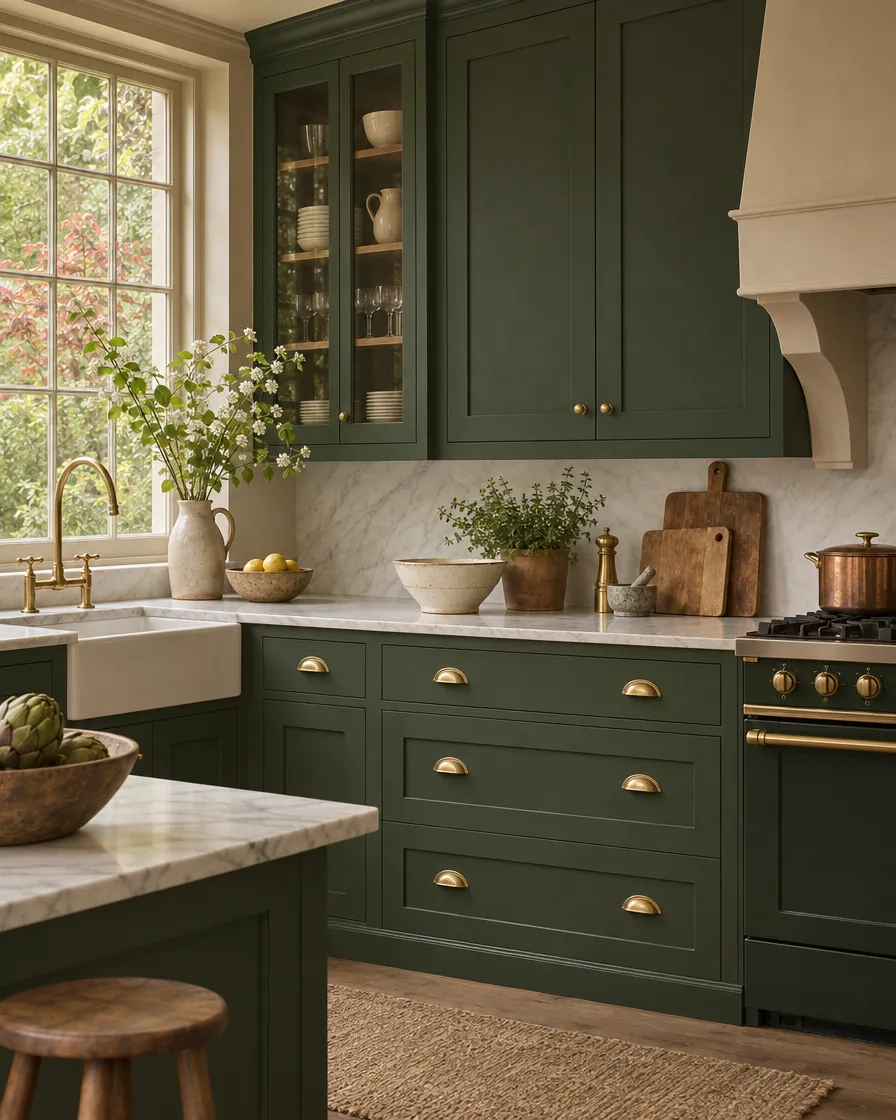
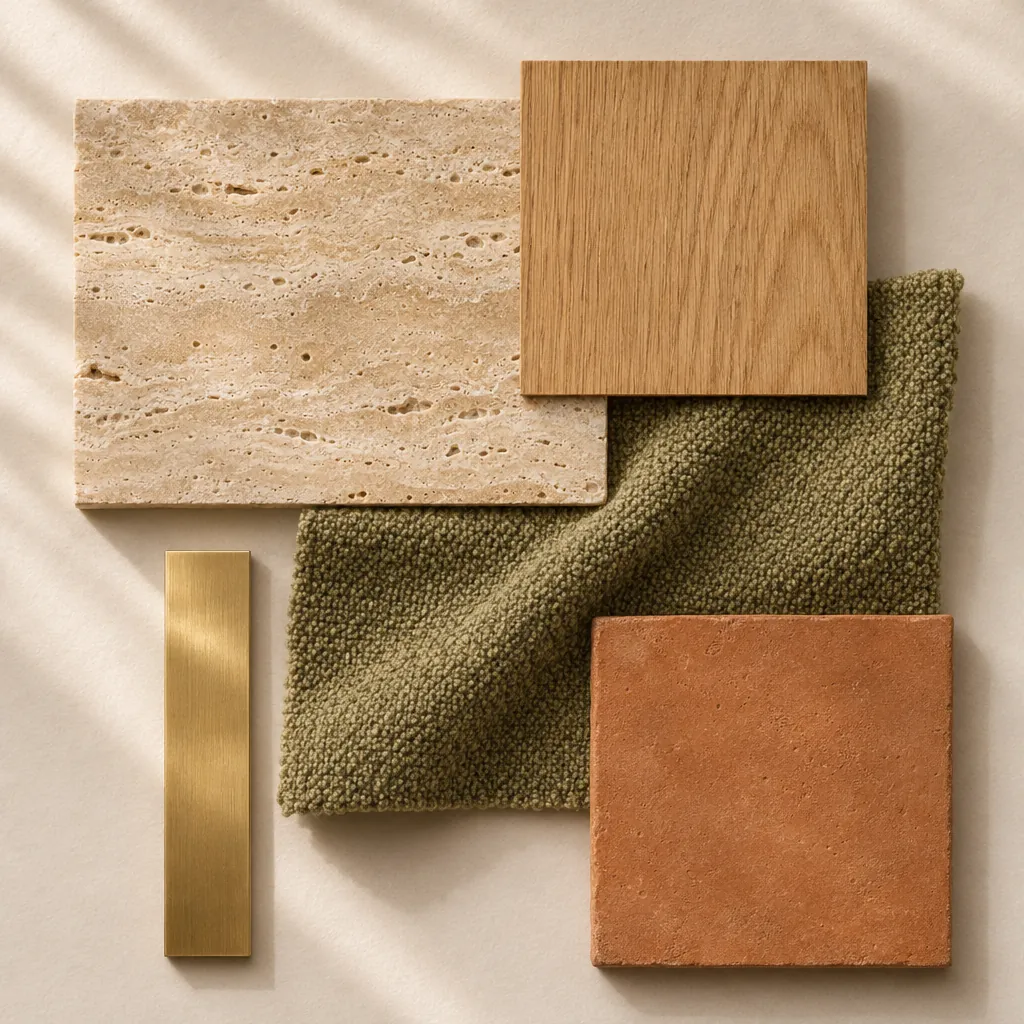
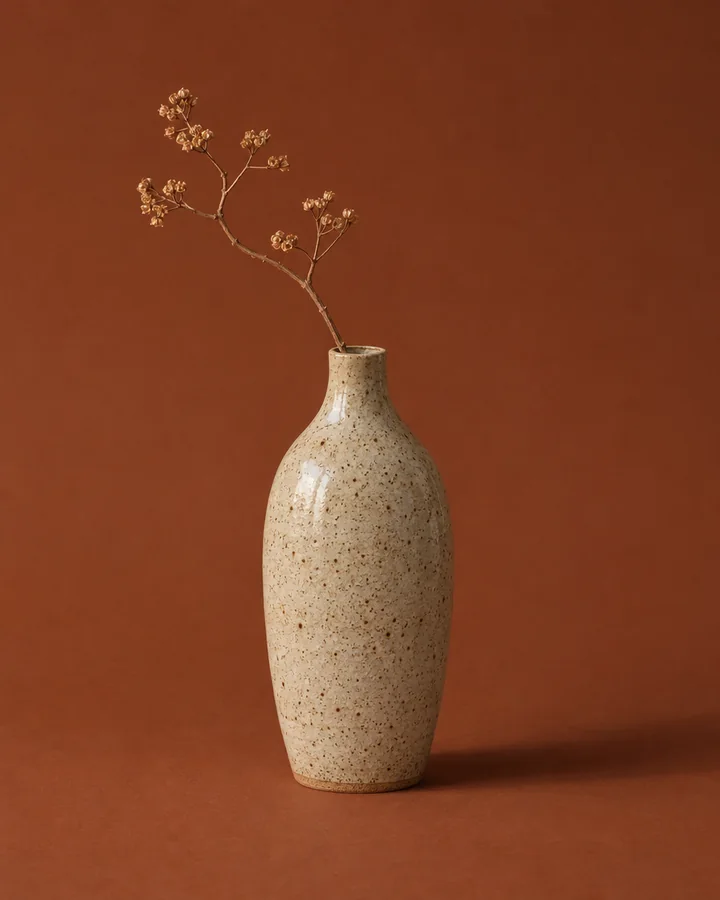
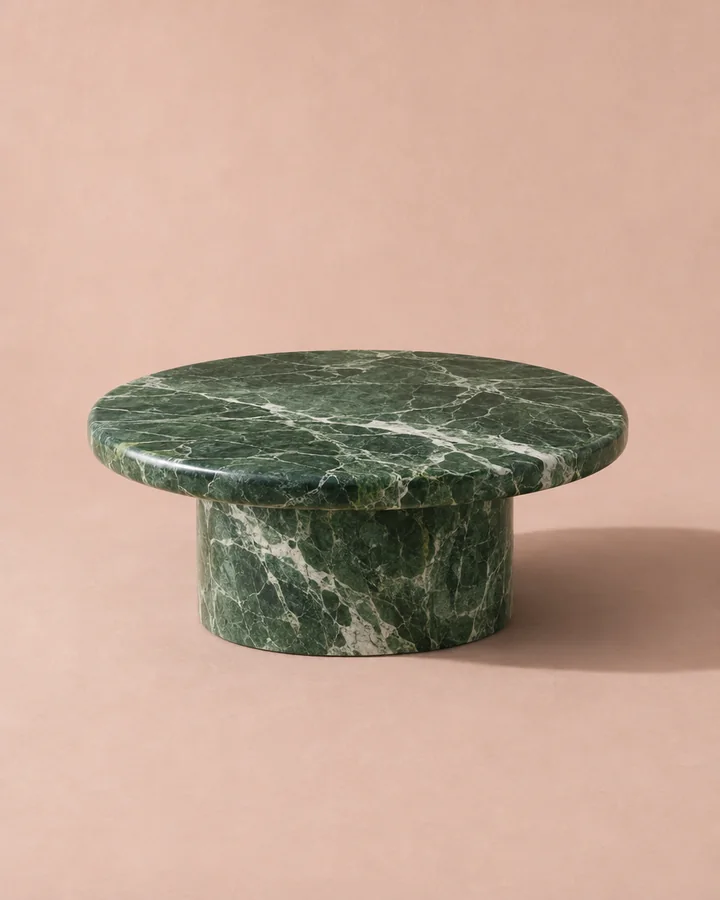
8 references. Rooms, materials and moods, kept with where they came from.
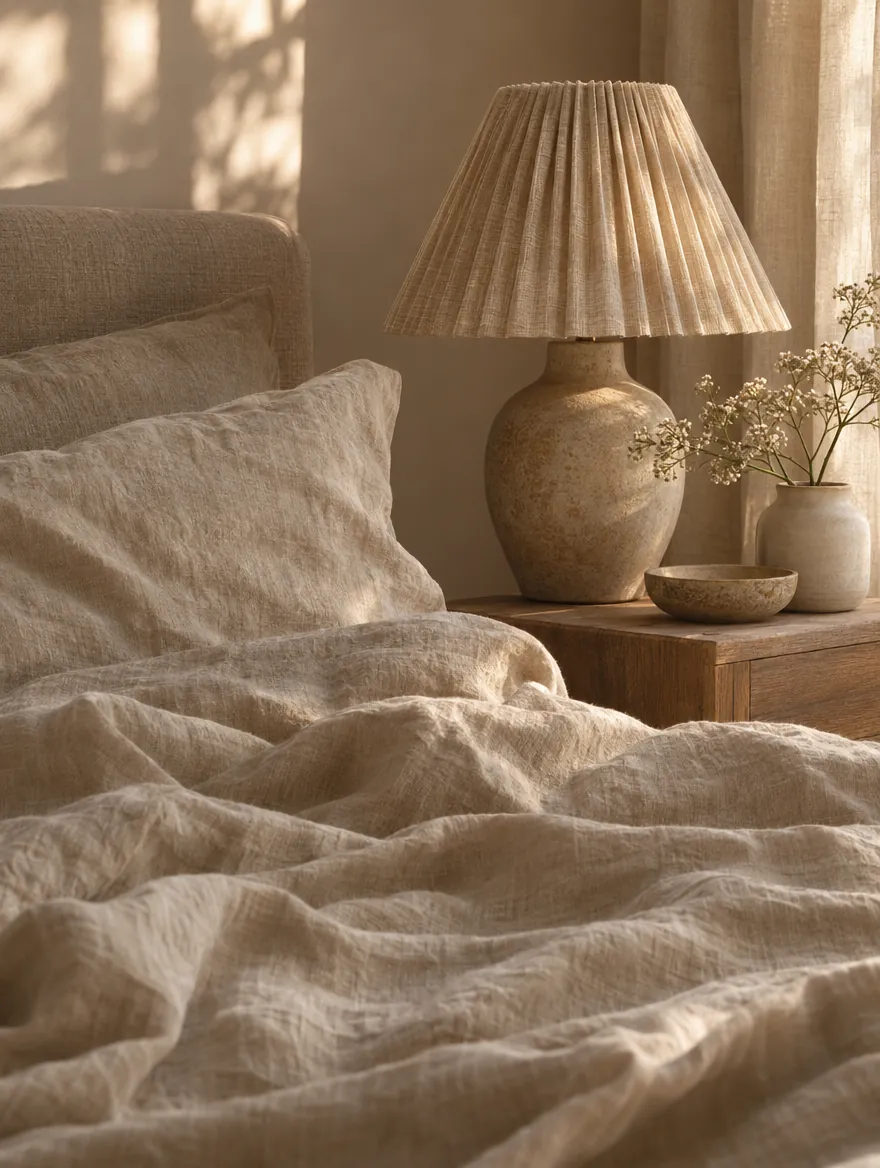
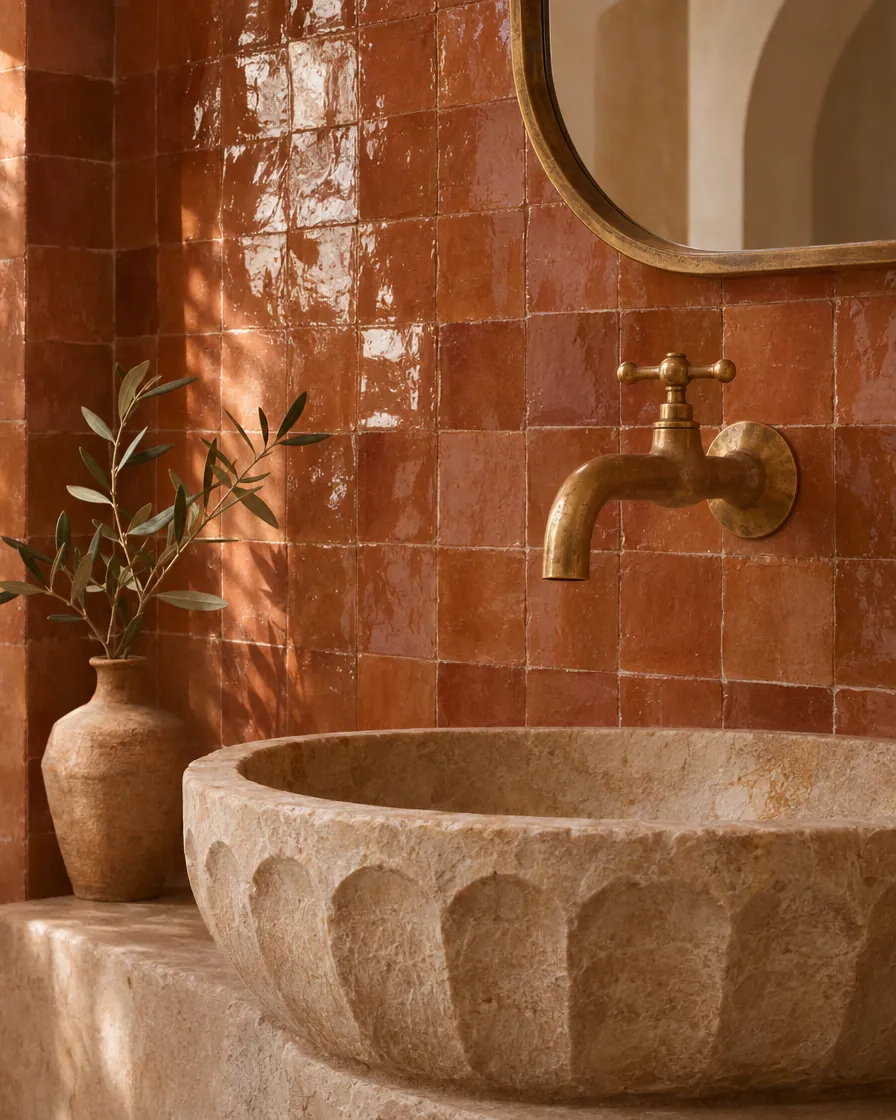
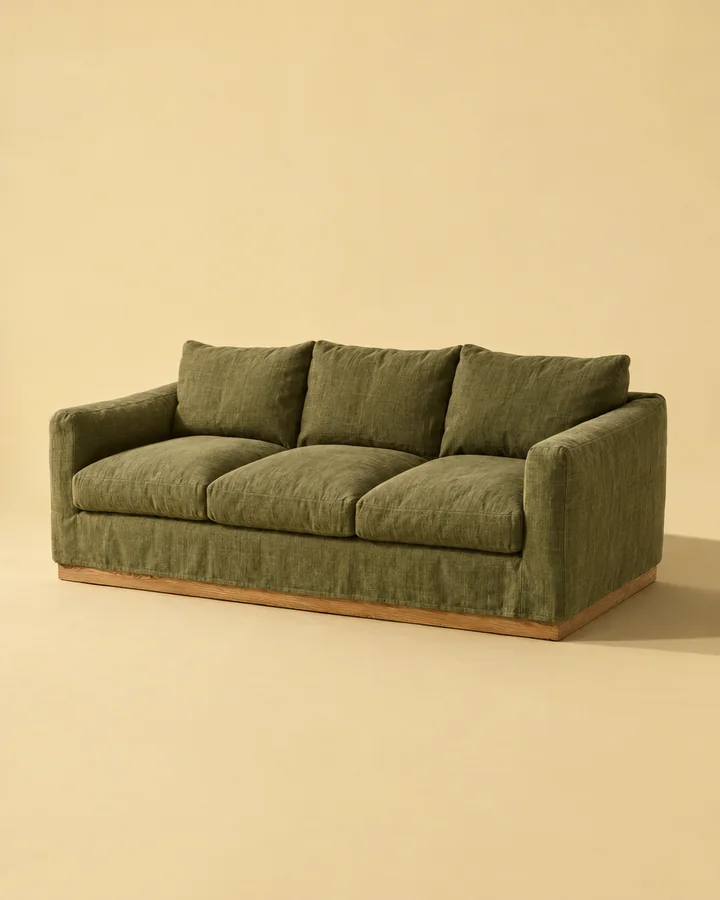
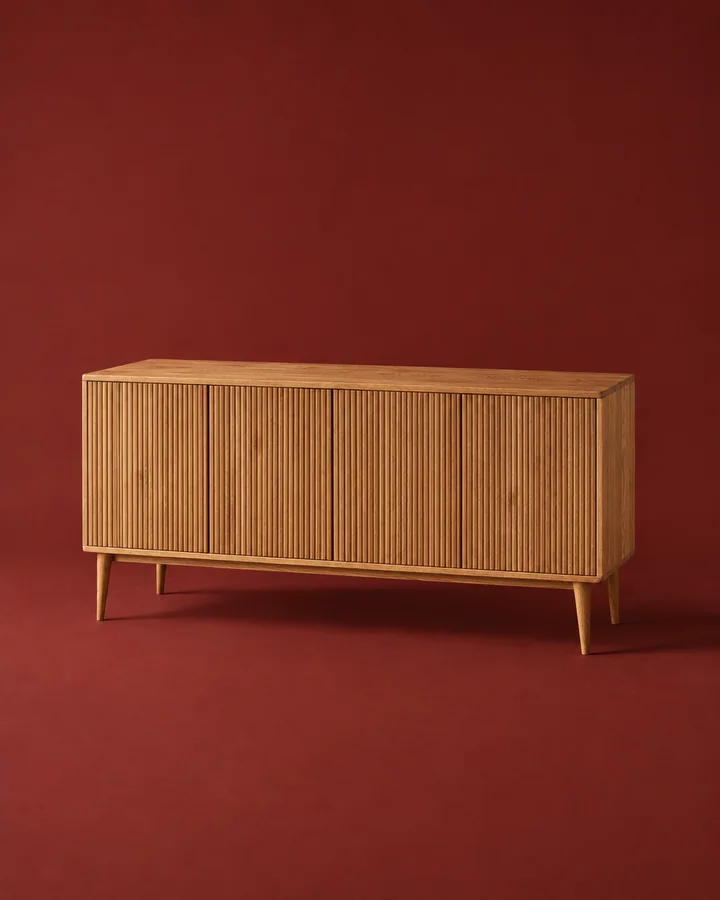
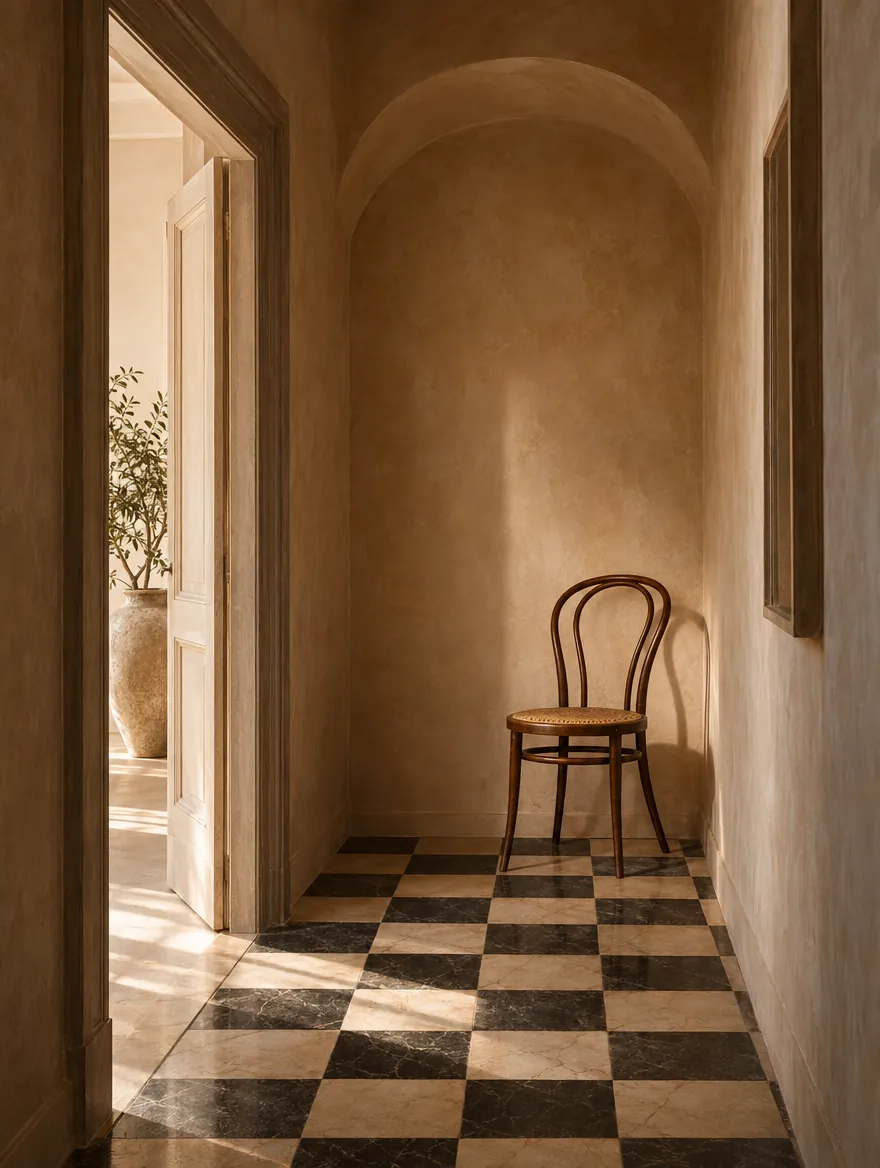
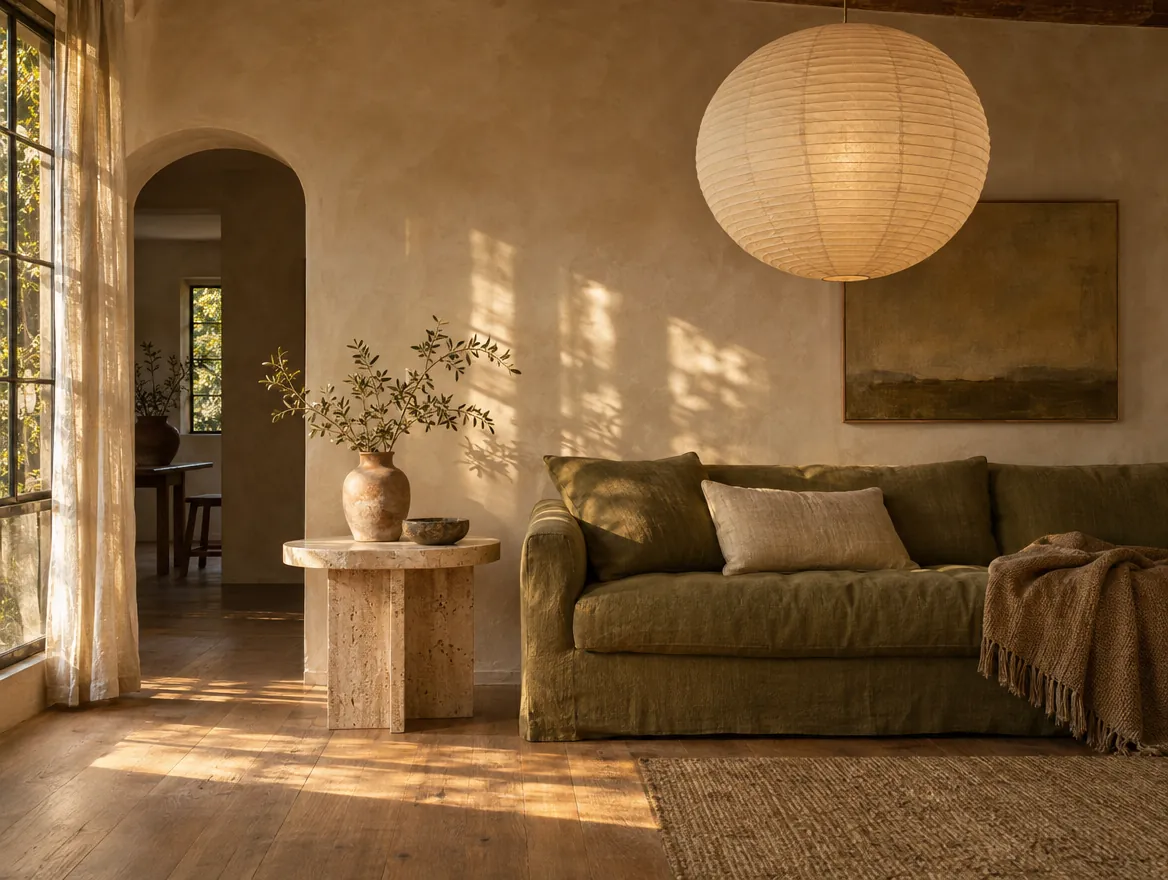
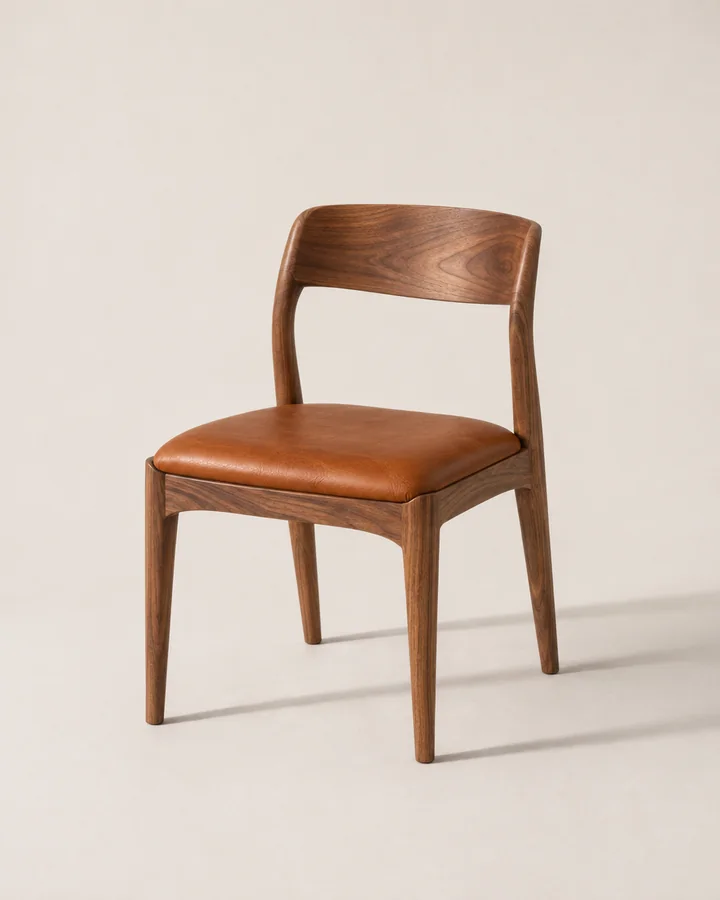
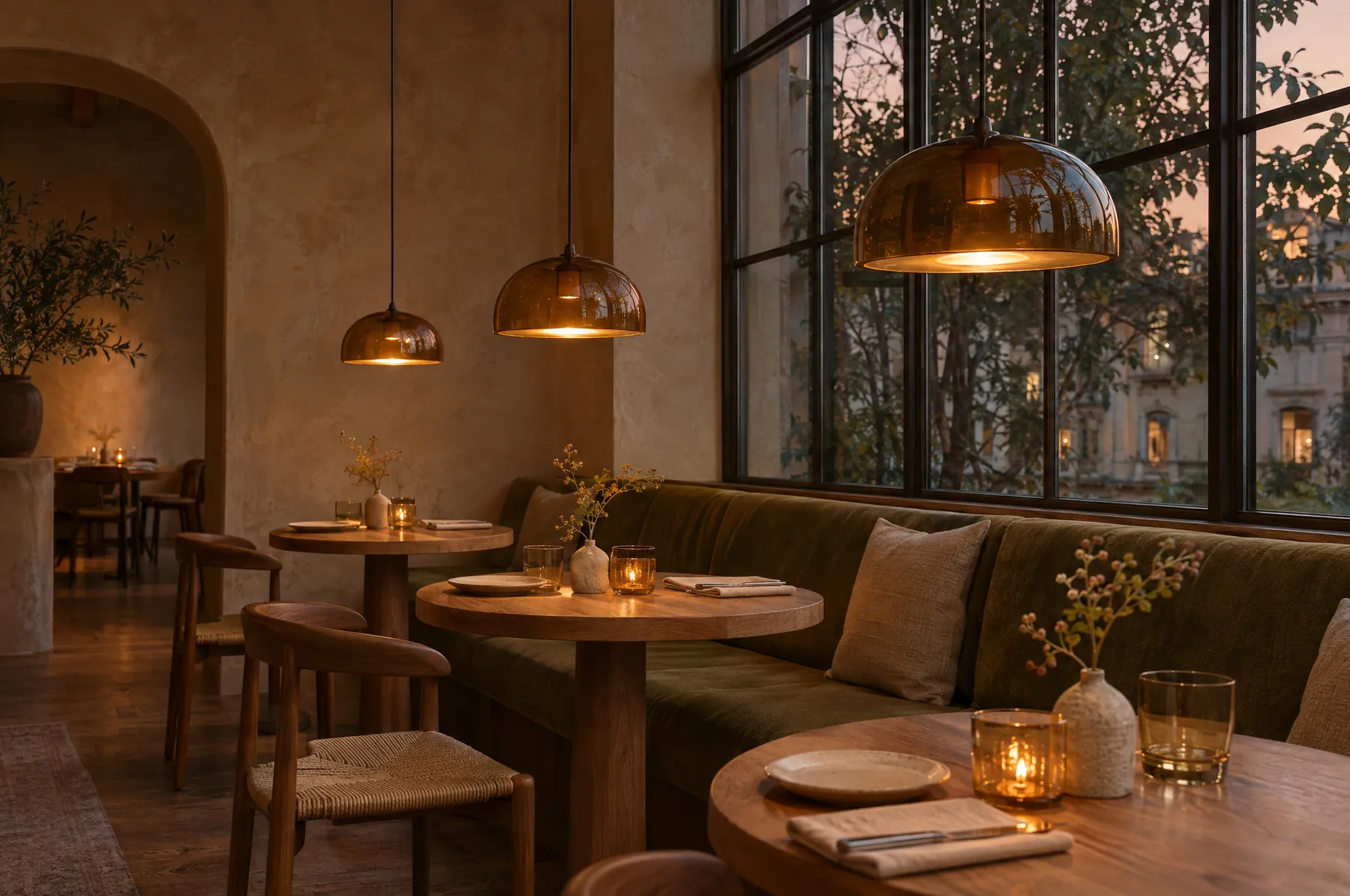
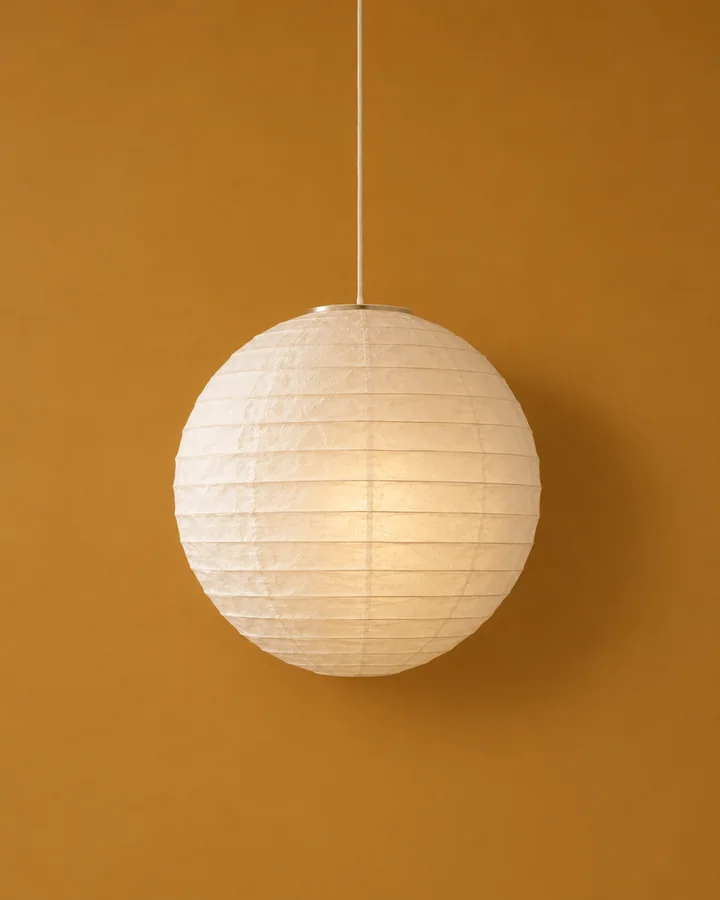
Every save,
filed.
Vade files each save by what it is and who makes it. Open the lighting drawer, or everything from one supplier, and it’s all there with its price and every view.
 Seating4Tables2Storage1Objects1Rooms4Materials2Moods2Cava Stone2Halden Glass1Lark & Lamp2Marlow & Finch2Oakfield Studio1Pell Joinery2Pottery Lane2Serein board9A–Z20
Lighting4
Start with a free library.
Solo
£12a month
- Everything in Free
- PDF export in all four layouts
- Your studio's branding on shared boards
- Or £120 a year; 7 days free
Studio
£29a month
- Everything in Solo
- Up to five seats, one shared library
- Studio-branded shares
- Or £290 a year; 7 days free
Before you start.
- What is the difference between an item and inspiration?
- An item is something you might specify: Vade keeps its price, supplier, specifications and every angle. Inspiration is a room, a reference or a mood: Vade keeps the image and its source, and leaves it out of product pickers. Move anything between the two in one click.
- Which sites does it work on?
- Any web page you can open in Chrome. Details are read from the page itself, so a shop that keeps its trade price behind a login shows as price on request.
- Do I need Chrome?
- The right-click needs the Chrome extension. Without it, paste a link into Vade, share a page from your phone, or forward it by email.
- Will clients see my prices?
- Only if you choose. A shared board is a read-only link, and its notes and prices stay hidden until you switch them on.
- What does ready for 3D mean?
- When Vade finds three or more distinct angles of the same product at full size, the item is marked ready for 3D, so its views can go straight to a 3D model.
- Can my studio share one library?
- Yes. Studio gives up to five people one shared library, with the same boards and suppliers.
Start your library.
Free, with unlimited saves and boards. Add the Chrome extension when you’re ready.